Belkin Qode Thin Type Keyboard Case

I bought Belkin Qode Thin Type Keyboard Case for iPad Air. I came to conclusion that my Macbook Pro 15″ is too much to carry around all the time, especially since I often take my son to kindergarten and have a lot of other things to carry around every morning. But then I very much need something to help with typing with when I’m outdoors.

I’m positively surprised. Although the experience of typing with this is not as comfortable as with my Macbook Pro it’s way better than with touch screen. The layout of the keys is clearly designed mac users in mind. It’s nearly perfect in fact, except the colon key which is relocated near spacebar; this will take some getting used to.

The upper row of keys from left to right have home screen button, lock screen button, app switching button, keyboard shortcut, screenshot button, three mysterious buttons that resemble ancient portable TV (what are those things?), music play controls and volume controls, and pair button(1). When placing the iPad on the groove, the on screen keyboard automatically slides away, but can be summoned by using the keyboard button. The keyboards can be switched on the fly by pressing fn + the colon key which takes some getting used to as the language can be changed only by repeated presses, not by arrow keys although the list style suggests so. (2) Siri has it’s own shortcut key as well between the fn and option key. (3)

The combo of iPad and Bluetooth keyboard is a well working package. Apple has clearly designed iPad for this use scenario in mind. When typing, the on screen keyboard slides away from the view. Selecting text and copy&paste works just like when using mac and it’s possible to jump words and paragraphs by pressing option key plus arrow keys. Even command + z works for undo.

I notice my fingers fumbling around for the nonexistent trackpad and then I intuitively tend to touch the screen which brings the screen obscuring on screen keyboard. Eventually my nervous system will get used to navigating with option + arrow keys which is a good thing even when using real computer. It is quite interesting phenomena psychologically. This combination might change my way of working for the better actually.

Indeed it is very exhausting to reach for the screen; it breaks the concentration. A lot has been written about the ergonomics of this type of setup and I can really second that. When our hands and fingers are resting on one plane it does feel strange having to move them to the other. When using iPad alone this doesn’t matter because we are handling the device anyway and our mind is in that kind of space. But typing on keys and then taking our hand off from the surface and reach to another tangent, it just doesn’t feel natural. This might be the reason why there are no touch screen Macs.

However, with a little practice it’s easy to get used to the handy keyboard shortcuts.

The keyboard also works when placing iPad vertically in the groove. (4) However the vertical orientation somehow just doesn’t feel right for me, especially when using earphones, since the cable will be getting on the way, a lot. The horizontal position instead is a sweet deal, the earphone jack is positioned on the lower corner, volume controls and the orientation lock/mute switch are nicely on the top.

[vc_separator type=’normal’ position=’center’ color=” border_style=” thickness=” up=” down=”]

Notes:

  1. I didn’t need to use the button; I just selected the keyboard from the settings app, no pairing was necessary.
  2. Typing Finnish is possible with this keyboard although it took me a while to realize that ö is next to the space bar since it’s the colon key in the US layout.
  3. I can’t see myself ever using the siri key.
  4. The button which turns on the keyboard is in the center; placing the iPad exactly on the center might be a bit unreliable because the button will be exactly on the same position as the lighting port connection; therefore the button might not be pushed properly. So it might be necessary to offset the device a bit.
  5. Finally : As I was typing this (with the keyboard) I ran into the super ridiculous issue with the under-finger-loupe thing as I was selecting piece of text with my finger (I still don’t remember that I could just easily move around with arrow keys). The loupe behaved as if the iPad was in portrait orientation. Complete madness.
Nobuto Fukutsu's Exhibition

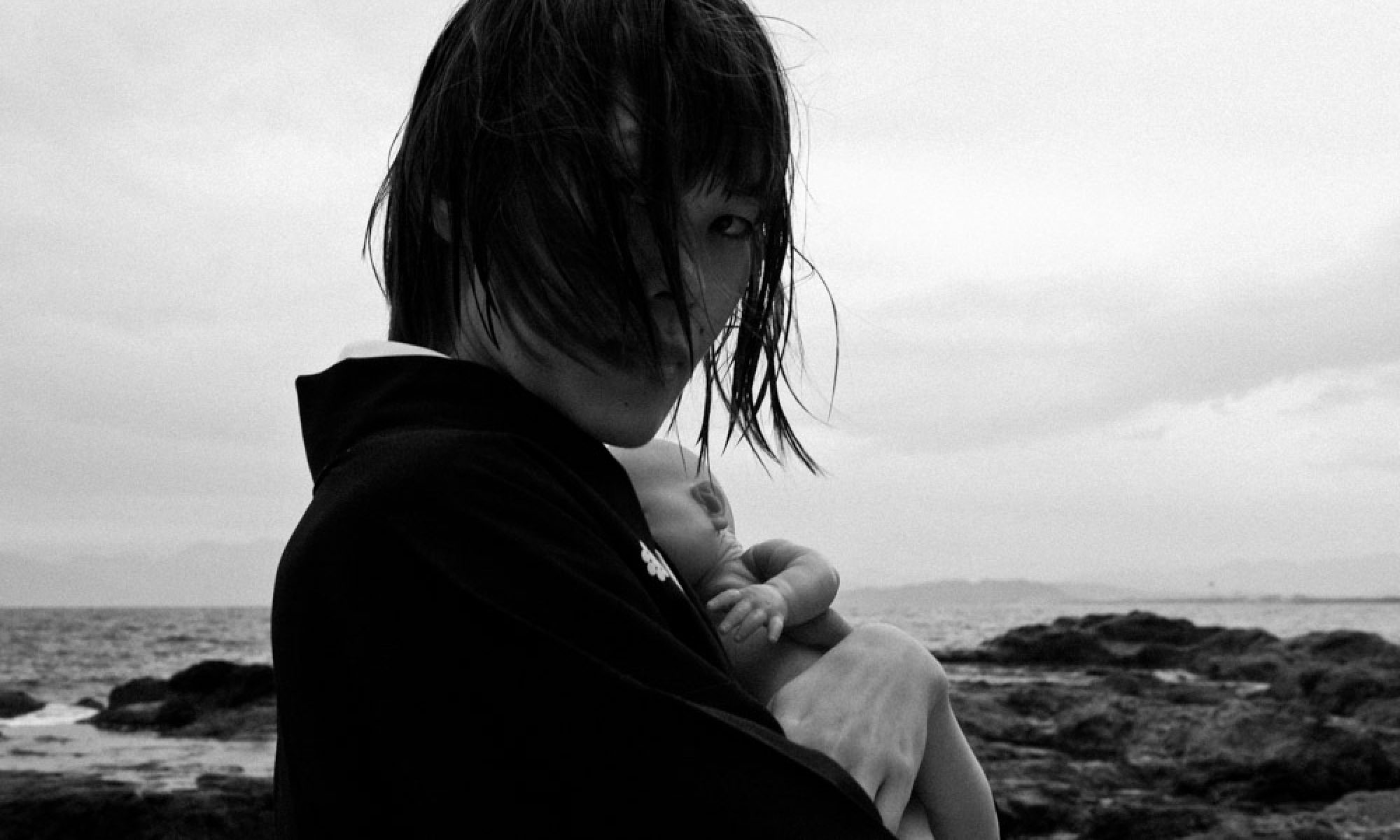
I had chance to meet my friend Nobuto Fukutsu today, again, after many years. It could be said that today I met him for first time, through his work.

His work is lyrical expression, but also free and artistically pure. His floral pattern and soft colour make stark contrast with the striking expression of the women, and (inevitable!) atomic explosion! I love this disguise, indeed, Fukutsu is an artist of great magnitude.

Nikomat EL

I was making some prints in Photo Kanon  today and I found interesting camera on the shelf. They had Nikomat (Nikkormat) EL and Nikkor 50mm 1.4. It looked brand new, like it had just came from Nikon factory. So I asked how much it was, and I was surprised, only 18,000 yen. The meter works, and it even came with new battery.

I’m not very interested about cameras. Especially digital cameras. They release new ones every year and new cameras take cleaner and cleaner images and pack new features. They are like miniature computers. The whole race for convenience turns me off.

But Nikomat! This camera was made before I was made! They produced these in Japan from 1972 to 1976. There is something that genuinely attracts me with really nice objects like this. It feels like a real tool which has a story.

I shot a roll of Lomography 400 with my Nikomat this afternoon and I really love to shoot with this camera. My Bessa R3m feels like a plastic toy after I hold this brick on my hands. It’s obvious that this camera is made to last.

Metering is nicely implemented, and is really easy to get used to. I didn’t try to shoot with aperture priority mode yet since I’m really used to shoot full manual. Downside with this camera is that if battery dies, you can only shoot with 1/90 (unmarked shutter speed), since the shutter speed js controlled electronically. That would mean ND filters if shooting outside. Battery is, by the way located under the mirror! At least you won’t lose battery door..

This is SLR all right and focusing is very different than with rangefinder. There’s no autofocus. But also it feels kind of refreshing to see exactly the image I’m going to capture, through the lens. I’m so used to shoot with my rangefinder. And this can focus closer than Leica.

Shutter is kinda loud that is to be expected from SLR.

The Nikkor 50mm lens is a big question mark for me. I have never shot with Nikon lens but this is as wide as 1.4 so it should be really nice lens for indoor photos. My Nokton 1.4 lens is very contrasty one, so I do hope Nikkor would offer a bit more gentleness what comes to contrast. I will develop my first roll tomorrow, so we’ll see.

I will write a complete review of this camera after I get acquainted with her more.

Scratched Negatives

Note to self: next time wait until you return to Japan to develop your negatives.
Finnish photo lab (Fuji piste) in shopping center Keskinen pretty much ruined my negatives. They are full of scratches and odd irremovable dust that was caused by the developing process.

It would be OK if few frames had these but almost all frames have scratches and dust.

And not only this but the whole process of developing three rolls and make some one hour prints costed more than 5000 yen equivalent. That’s so expensive, although I must admit that the 10x15cm prints were very high quality on very nice matte paper.

Oh mann!!

Thoughts on Kaze Tachinu

I just saw the latest animation film by Hayao Miyazaki. This film is very anticipated movie for all Ghibli fans. Kaze Tachinu (Wind Rises) is dramatized biography of Jiro Horikoshi, designer of Zero fighter plane for WWII. I haven’t yet read the manga which this movie is based on.

The movie begins with a dream-like sequence from the main character’s childhood. He sleeps, dreaming of flying. In his dream he climbs on roof of his house on which there is a fantasy airplane waiting. He takes off enjoying the breeze, but suddenly finds huge bomber ready to deliver it’s payload, sinister dark creatures on huge black bombs. The boy’s glasses are torn away by the wind, and the boy falls, then wakes up.

In overall Kaze Tachinu is a great movie; this is genuine Ghibli production. Hand drawn old-fashioned animation is great and is occasionally complemented by CG-aided sequences. As you might expect, level of detail is amazing.

I love the way how CG techniques were used only to aid the main storyline, they were never too obvious to steal the attention. This is exactly how it should be done.

The overall style of the film is so elegant and true to the era it depicts, furniture and houses for example looks so real; significant effort must have been done to research and ensure the authenticity of the environments.

The movie doesn’t really show war but wartime is just a context or environment for this film. It would be wrong to call this romantic movie although the story contains tear-jerking romance. It feels appropriate, warm and human.

It would be easy to imagine that Miyazaki wanted to make more stronger anti-war movie but couldn’t because of pressure from sponsors. So he might have had to choose more subtle method; reference to the horror of war via metaphors such as natural disaster, injury or death of a loved one. Even though this is huge Ghibli production, Kaze Tachinu Has received a little attention in mass media. It just seems that in present day Japan, war or recent history isn’t very popular topic. Some TV channels seem to have even decided not to mention the movie at all.

It is curious that Miyazaki chose this topic, in this very moment in Japan. The Liberal Democratic Party had landslide victory in the two last elections, and the party has been very open about it’s intentions of changing the pacifist article in Japanese constitution and arming Japan with military and possibly nuclear weapons. Anti-war theme couldn’t be more unpopular.

But then, it might be the reason why Miyazaki decided to make this film.

I did notice that some of the scenes were cut, probably by some other factor than Ghibli or Miyazaki, maybe sponsor forced edits. If there is ever going to be director’s cut, it will be a must-see!

I really recommend this film. Bravo, Miyazaki Hayao!

Kaze Tachinu

Tomorrow I will take my family to see the new Miyazaki film Kaze Tachinu. I really look forward it. I will write my impressions after the movie session.

Selecting the movie this time was not difficult. We soon agreed 100% it’s going to be Miyazaki. There’s new Star Trek, World War Z, Emperor and couple of american action movies, and none of them seemed interesting. Seeing the trailer is enough and makes me kind of feel like “this was enough, no need to see more”.

I love Hayao Miyazaki’s movies, they seem to grow with me. And it makes even more sense now to watch the movies here in Japan. Princess Mononoke is still my personal favorite. It’s actually kind of statement.

I really hope that the Kaze Tachinu is true Ghibli production and bold enough. Knowing the history of Miyazaki’s movies and his strength and dignity as a director, I’m pretty sure it is.

My little Final Cut Pro X Review

Recently I have been editing the material I caught in Jeju in my new favorite tool, FCPX.

I really love the workflow in Apple’s new version of Final Cut Pro. The simple workflow makes a lot of sense to me. It’s so easy to learn and use that there’s almost no need for a manual.

I have no intention of going back to Premiere.

And FCPX really flies. By default settings, FCP does effects rendering in background, which is really cool; take a cup of coffee and when you return, you see the video is ready for smooth playback. Exporting is GPU accelerated which is wonderful, wonderful thing.

As a nice touch you can now just quickly drop in cross-dissolves in both audio and video; the same thing works for audio as a crossfade. There are many nice little touches like that all over in the application which gives the impression that the people who created it have actually thought about the needs of the video editors.

And VST & AU audio effects work fully with this application which is excellent thing; with most used video scopes and audio metering this really is fully featured video editing application.

It’s really easy to make a watchable DVD straight from FCPX although the process doesn’t give you much options regarding letter-boxing or fine tuning of menus. It would be nice to see some kind of mini-DVD Studio Pro bundled with this application. So It’s still necessary to have Toast installed if you intend to do any serious DVD authoring.

And it’s real cheap. Costing less than 300 dollars it’s a bargain, and with App Store you can now legally install it in multiple machines. Makes a lot of sense for small editing studios with multiple workstations.

There are however couple of things that I’d like to see fixed. One is that often the UI doesn’t refresh always properly when working in timeline. And sharing to Vimeo or Youtube works unreliably despite my fast optical (internet) connection. And if you unlink audio it seems impossible to relink it (I might be wrong, if I am please teach me).

And broadcast monitoring doesn’t work unless you have Lion installed.

Overall, I find FCPX joy to use. I can recommend this to anyone who has upgrade plans in mind.

Nakashima Hiroki: Land of Smiles

Yesterday I went to see Nakashima Hiroki’s photo exhibition Land of Smiles in Gallery NIW in Tokyo. I met the photographer in Dark Room Intl. in Yokohama before and had chance to see his work.

Land of Smiles is a collection of candid street portraits took in Thailand.

The portraits show natural connection between the photographer and the subject, and that, according to Nakashima is his purpose. The people looked at ease in their natural poses; the photos didn’t seem to be taken by a traveler, but someone local. Not a small achievement.

The sequencing of the photos as well as the technical quality of the photos were excellent, and show the obvious experience and skill of the photographer. I would also imagine Nakashima’s choice of the media, film instead of digital, is very conscious one.

Overall, the portraits had great variety and all of them had something special. In all of the photos the subjects seemed relaxed and at ease.

After I returned, it occurred to me that perhaps it was the last photo that gave me the final impact, the beautiful young woman dressed in white. The photo had a hint of sadness in it, what I especially liked, a photo that stood out from the others.

Without it, the smiles in the rest of photos might have lost their purpose. The sequencing is very important in any exhibition and the way how Nakashima organized his photos really made them shine, a skill what is only learned by doing.

Land of Smiles is a wonderful work of a human subject.

Visit Gallery NIW until 6/19.

Why I love Ektar 100

Ektar 100 is a ultra-fine grain color negative film, which is designed for outdoor and studio shots. According to wikipedia it is rated as semi-professional film (although in the box it says Kodak Professional). The old Ektar was discontinued in 1994; Ektar 100 is relatively new film, based in new technology.

The results I get with Ektar 100 are amazing. There’s tons of dynamic range in the photos while the photos are rich in contrast. Colors are vivid and very natural. Even with my EOS 5D Mark II I find it difficult to achieve result that would be similarly natural or pleasing.

The film seems to respond especially well to the outdoor light and the results are immediately usable. There’s something a bit extra there what could be the magic of the film. I find that attractive and kind of “honest” to the scene I am shooting. I suppose it has something to do with white balance, digital cameras do auto white balance (if you set them to do it) while with film you kind of get what you see or whatever the film is balanced to. Ektar is really close to the dream I have always had about the perfect photo in means of the color and mood. It’s easy to fall in love with this film.

This is ISO 100 film so in rainy days it might be quite difficult to get the proper exposure unless you bring a tripod. Ektar 100 is also used for studio shooting and product shots and in Kodak’s site they actually recommend this film for those uses, likely because the photos with last some serious enlarging.

Indeed it seems that Ektar 100 shots can be enlarged very nicely, as long the scans are made properly and are a good quality. To get the scans correctly inverted requires a profile from your scanning software for this emulsion. Without the profile Ektar 100 can be tricky to scan. SilverFast Negafix plugin does feature it which is the reason why I decided to get Plustek scanner which is developed together with SilverFast (of course SilverFast comes included).

Shooting film in general is very different from shooting digital and getting to know different film stocks is necessary in order to know in advance what to get. Ektar 100 delivers for me and it is quickly becoming one of my main tools.

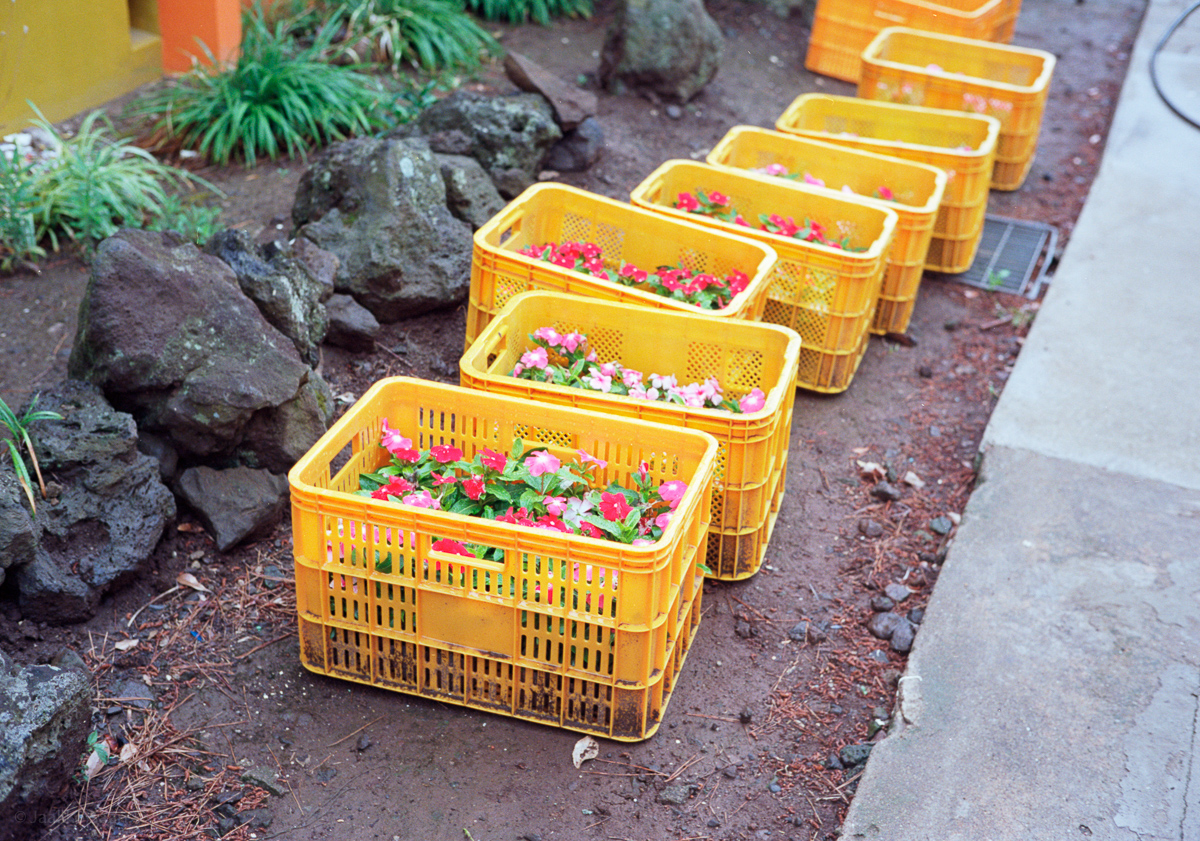
flower boxes

254252_10151499796419614_548684529_n

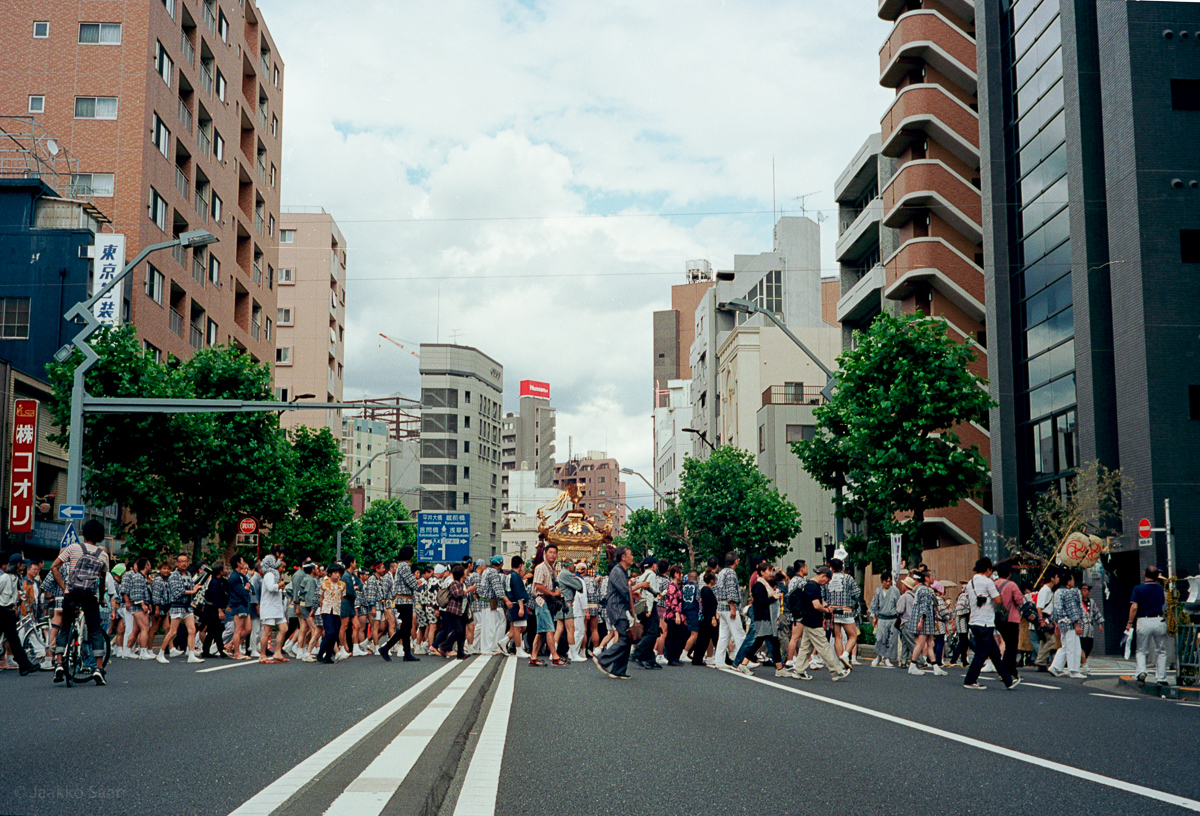
Matsuri